
Property Tiles
Showcasing Local Stays
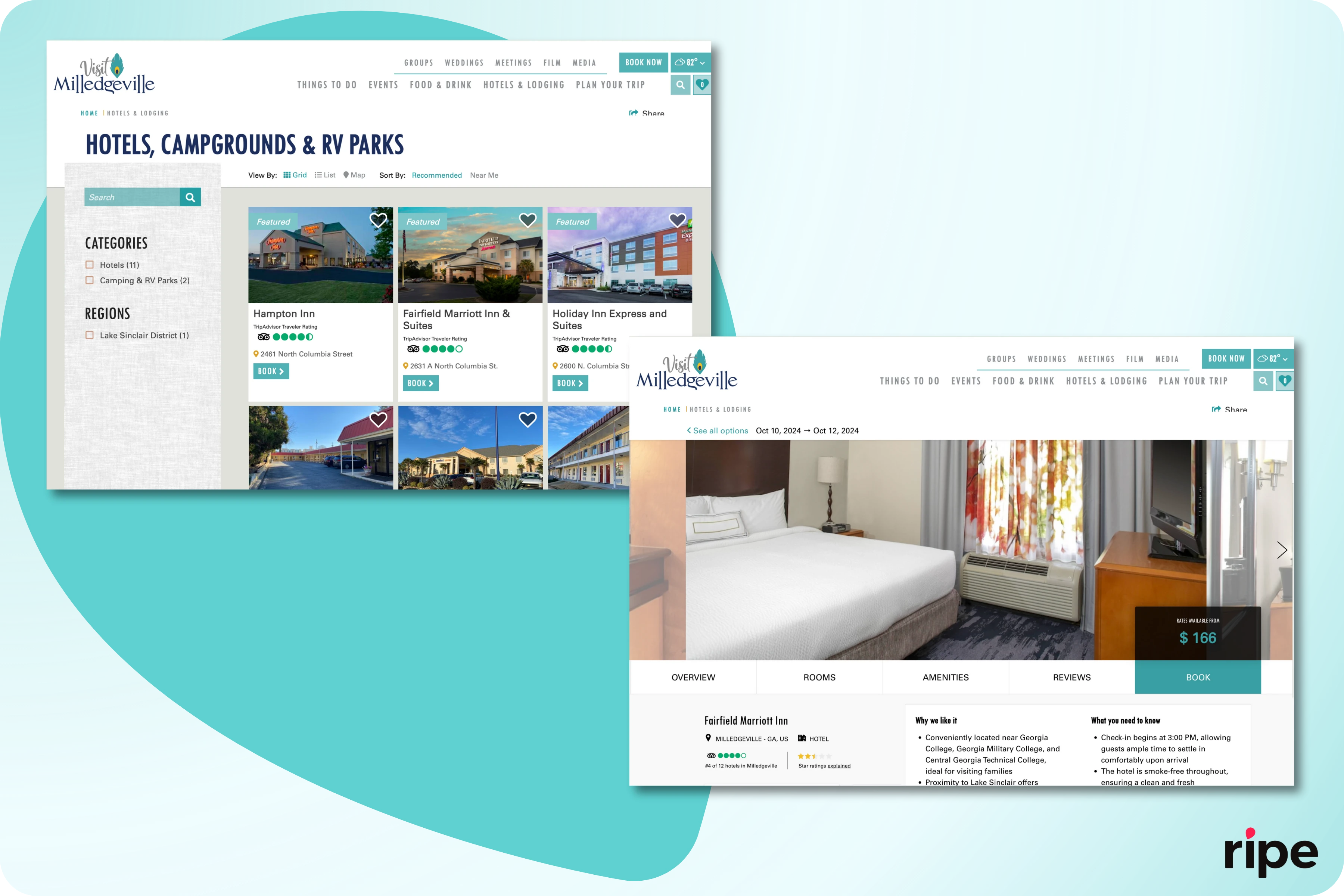
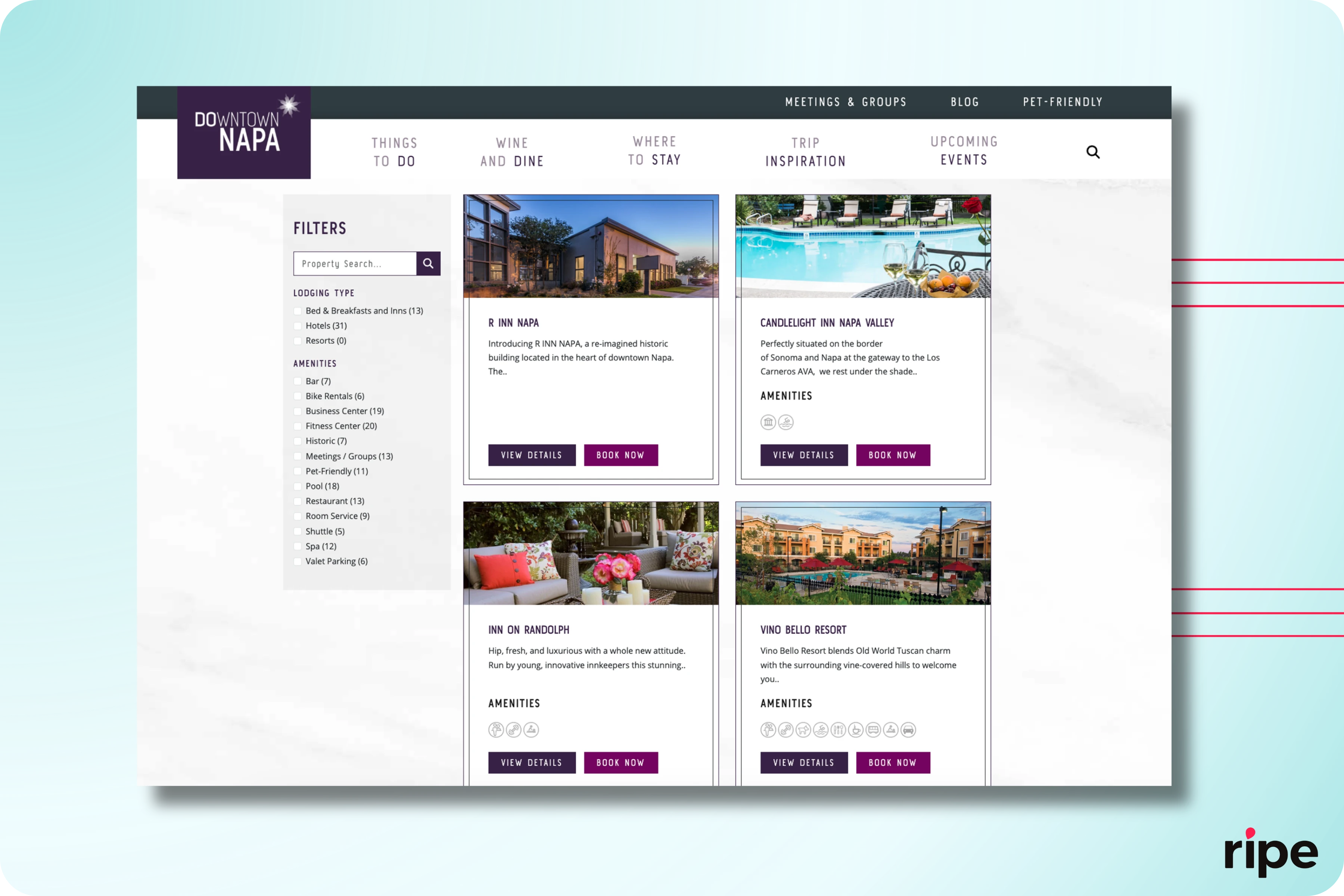
Property tiles provide travelers with a summary and visual of your lodging options. However, consider the traveler experience and ask whether featuring property tiles gives guests a helpful overview that directs them to book or if it adds an unnecessary step now that you offer a searchable list of all lodging options through your ITA platform.
If your website already has a lodging page with property tiles and you want to keep it, note that this may reduce SEO or GEO results due to competing pages on your site. Each property’s Ripe detail page should have a canonical tag to establish it as the single source of truth in searches. Each property tile should be enhanced with a link to the property detail page on the Ripe ITA platform (via a 301 redirect if you are keeping an existing property detail page).
Updated 20 days ago